Connect to wi-fi stick hot spot
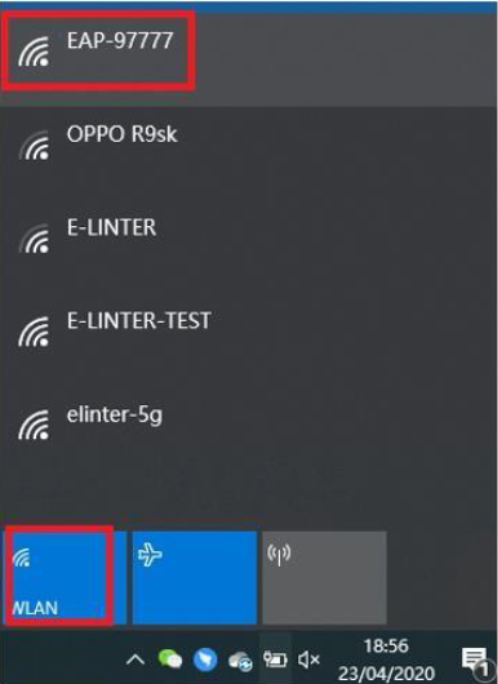
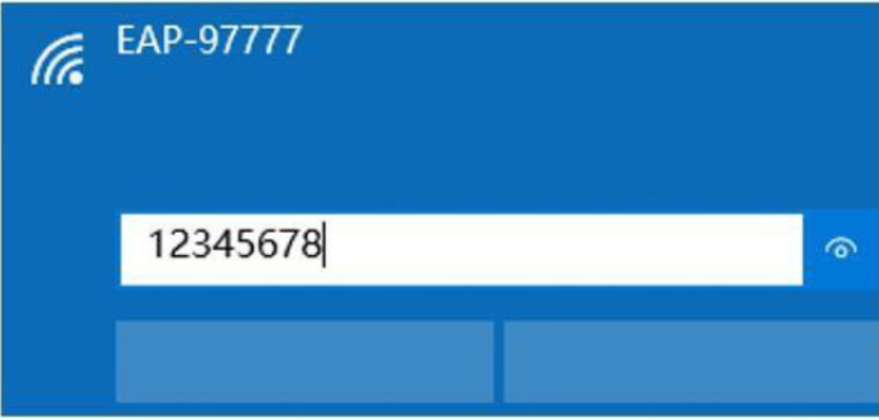
Use smart phone or PC to connect to the hot spot, the SSID is beginning with “EAP-”. The password of the Wi-Fi hot spot is “12345678”.
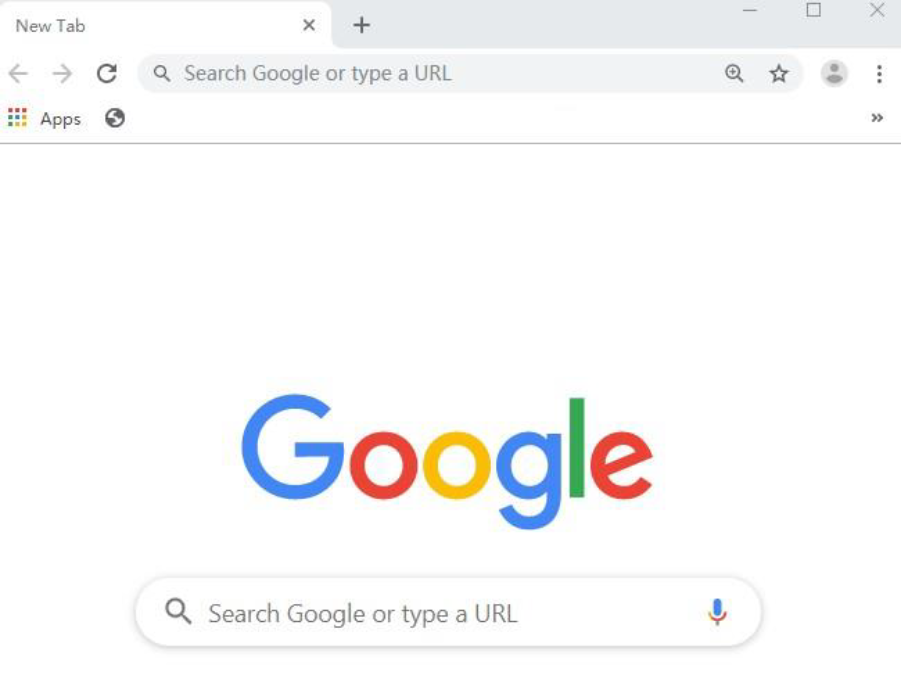
Launch the browser
Set the server address
- Input the address: 10.10.10.1/serverset.cgi?addr=ukiot.sunsynk.net:51100 into the address bar of the browser to set the address.
- Power Off & On the Wi-Fi stick to restart it.

Was this article helpful?
That’s Great!
Thank you for your feedback
Sorry! We couldn't be helpful
Thank you for your feedback
Feedback sent
We appreciate your effort and will try to fix the article