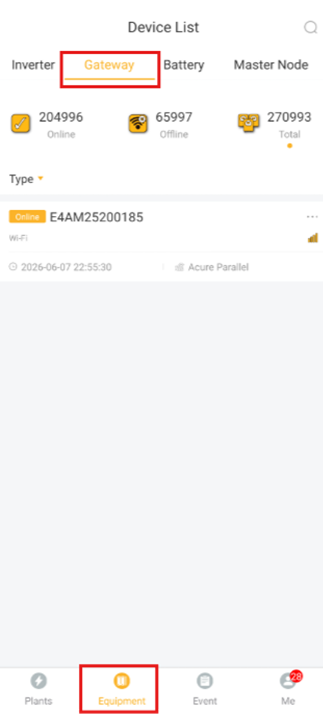
Once on the home page press Equipment on the bottom panel. This will open a new menu where at the top you select Gateway and should bring up all your plants dataloggers.
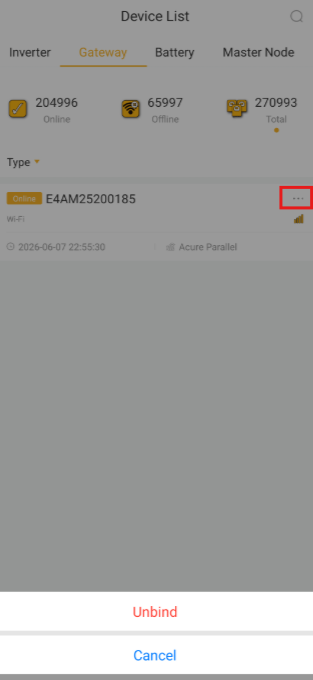
Click the small three dots on the right-hand side this will bring up a menu at the bottom with a unbind button
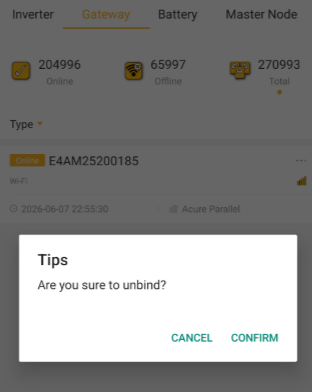
The following confirmation will be displayed. Click Confirm and the Data Logger will be ready to be reused.
Was this article helpful?
That’s Great!
Thank you for your feedback
Sorry! We couldn't be helpful
Thank you for your feedback
Feedback sent
We appreciate your effort and will try to fix the article