You will need to search for the Data Logger serial number (Gateway) within Equipment.
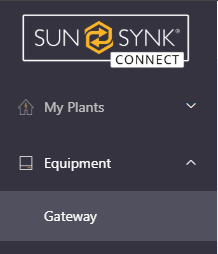
In this menu click Please Input Gateway SN and enter the SN of the gateway and search.

Click the three small dots on the right-hand side under More. At the bottom of the list you will see the Unbind button
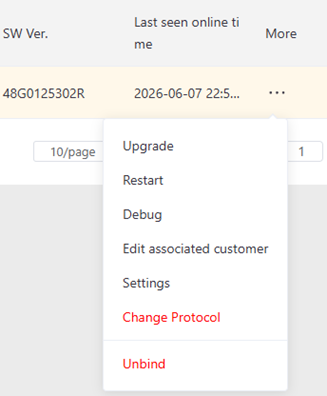
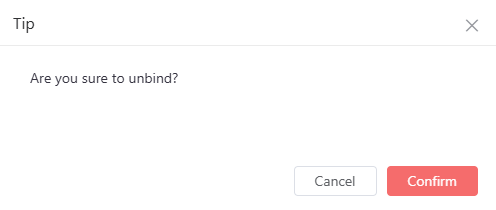
Click Unbind and then you will be asked to confirm. Once confimring this datalogger will be unbound from the plant and ready to use again.
Was this article helpful?
That’s Great!
Thank you for your feedback
Sorry! We couldn't be helpful
Thank you for your feedback
Feedback sent
We appreciate your effort and will try to fix the article