Log in to the portal.
Click on “Plant List” under the My Plants tab.
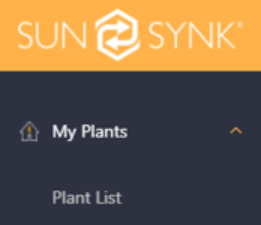
Search for the Plant Name
(Case sensitive)
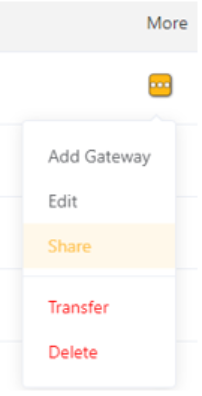
On the far-right column under More, click the three white dots and select Share.
You will now see all accounts that currently have access to the plant, along with their role permissions.
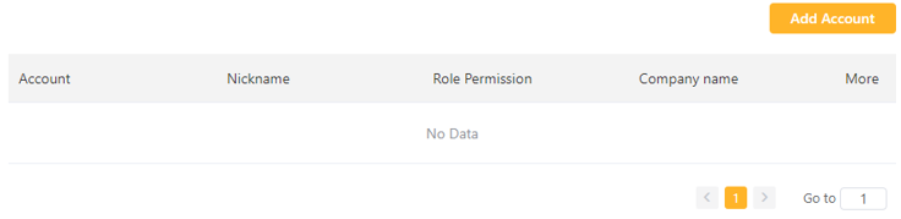
To add a new account:
Click Add Account
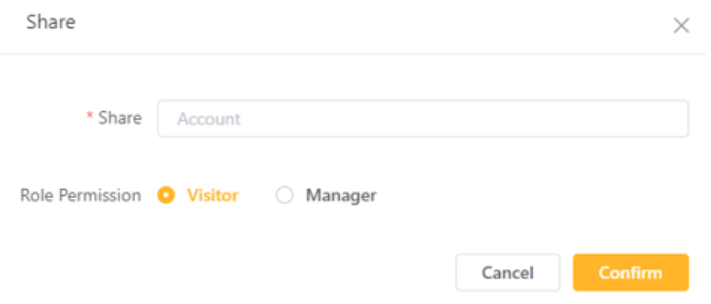
Enter the customer's email address
Select the desired role
Click Confirm
Was this article helpful?
That’s Great!
Thank you for your feedback
Sorry! We couldn't be helpful
Thank you for your feedback
Feedback sent
We appreciate your effort and will try to fix the article