The light bar on the Acure range can display different colours depending on one of three settings.
Follow the navigation below to access the Light bar settings.
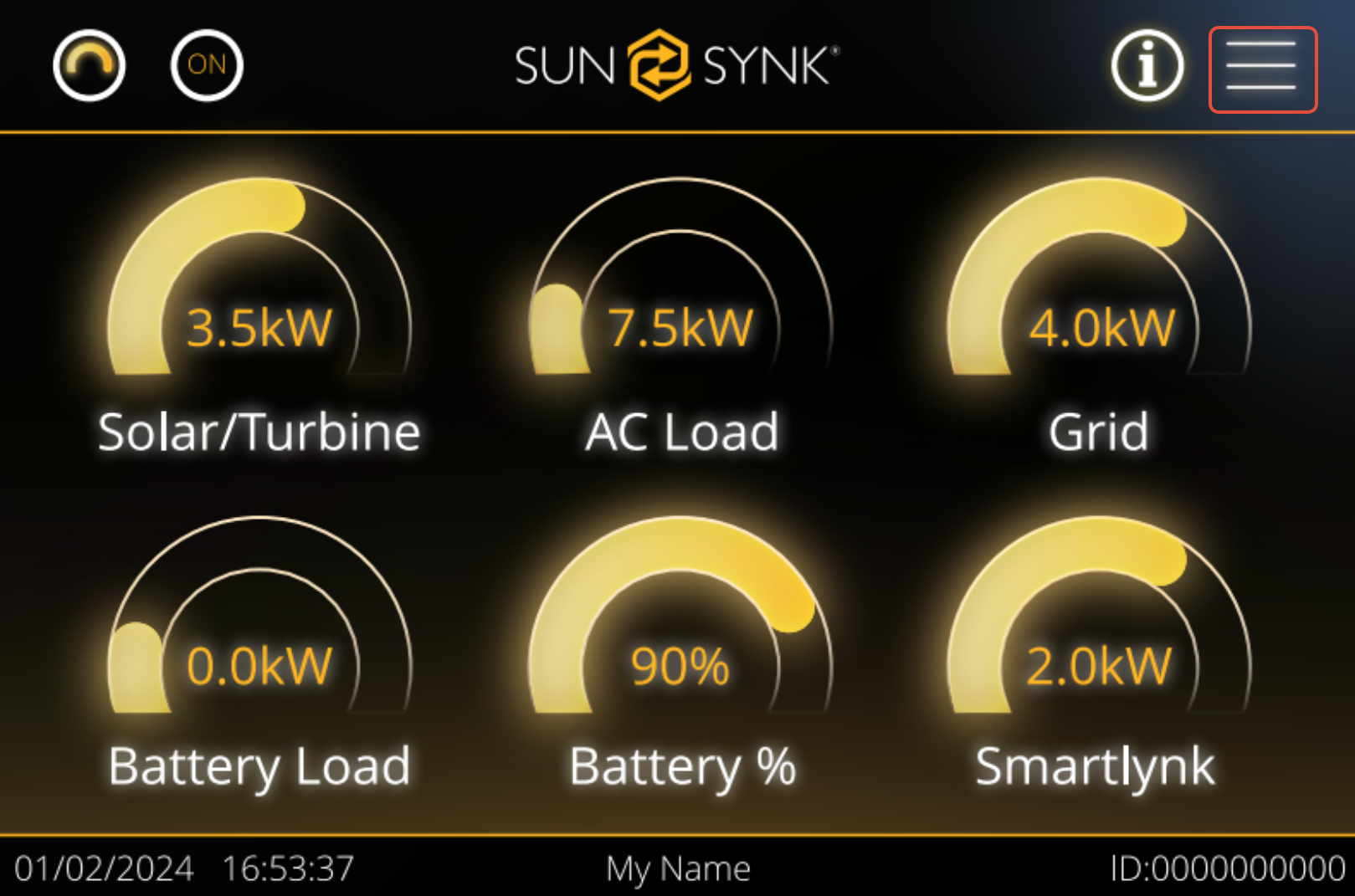
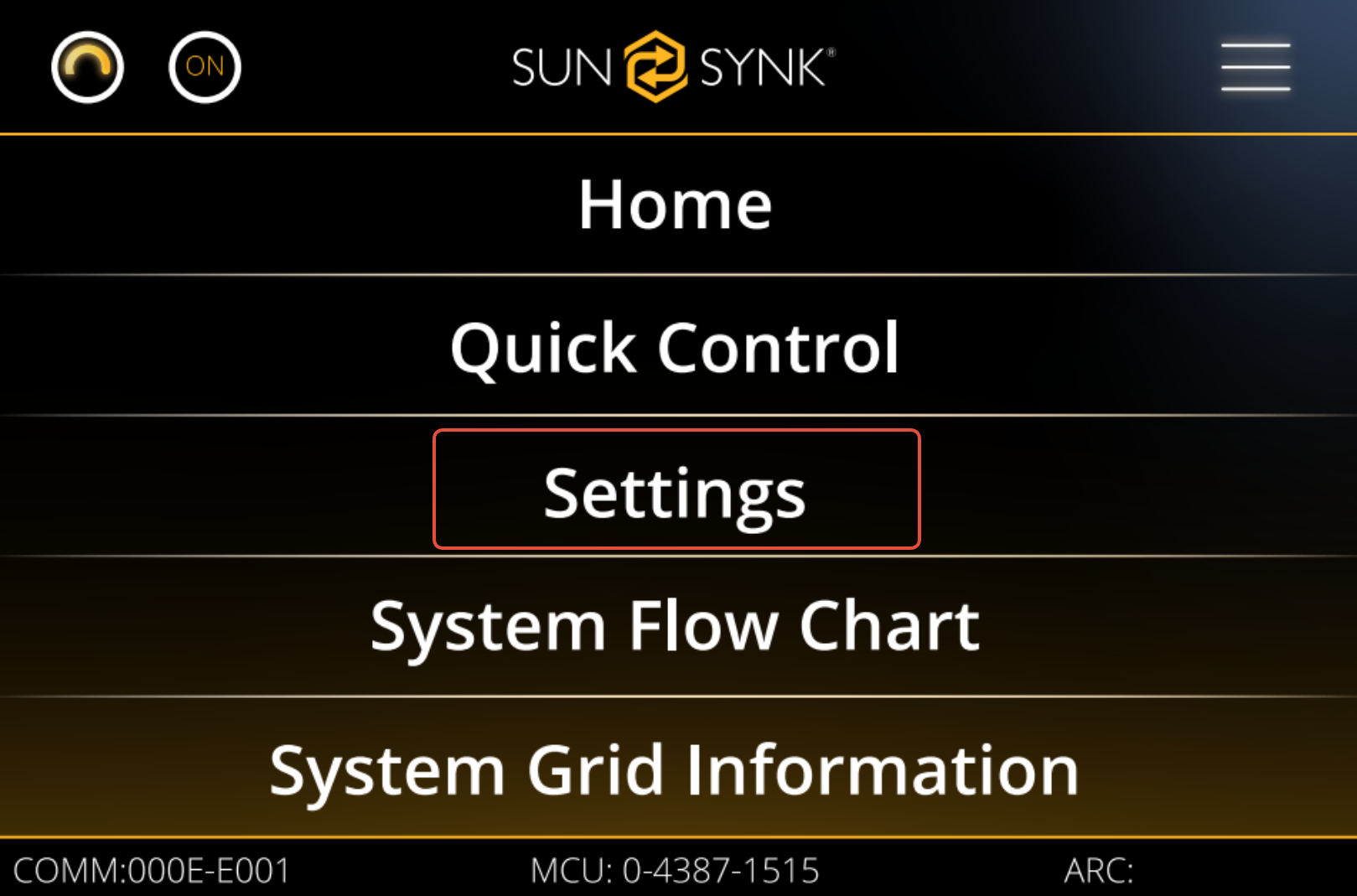
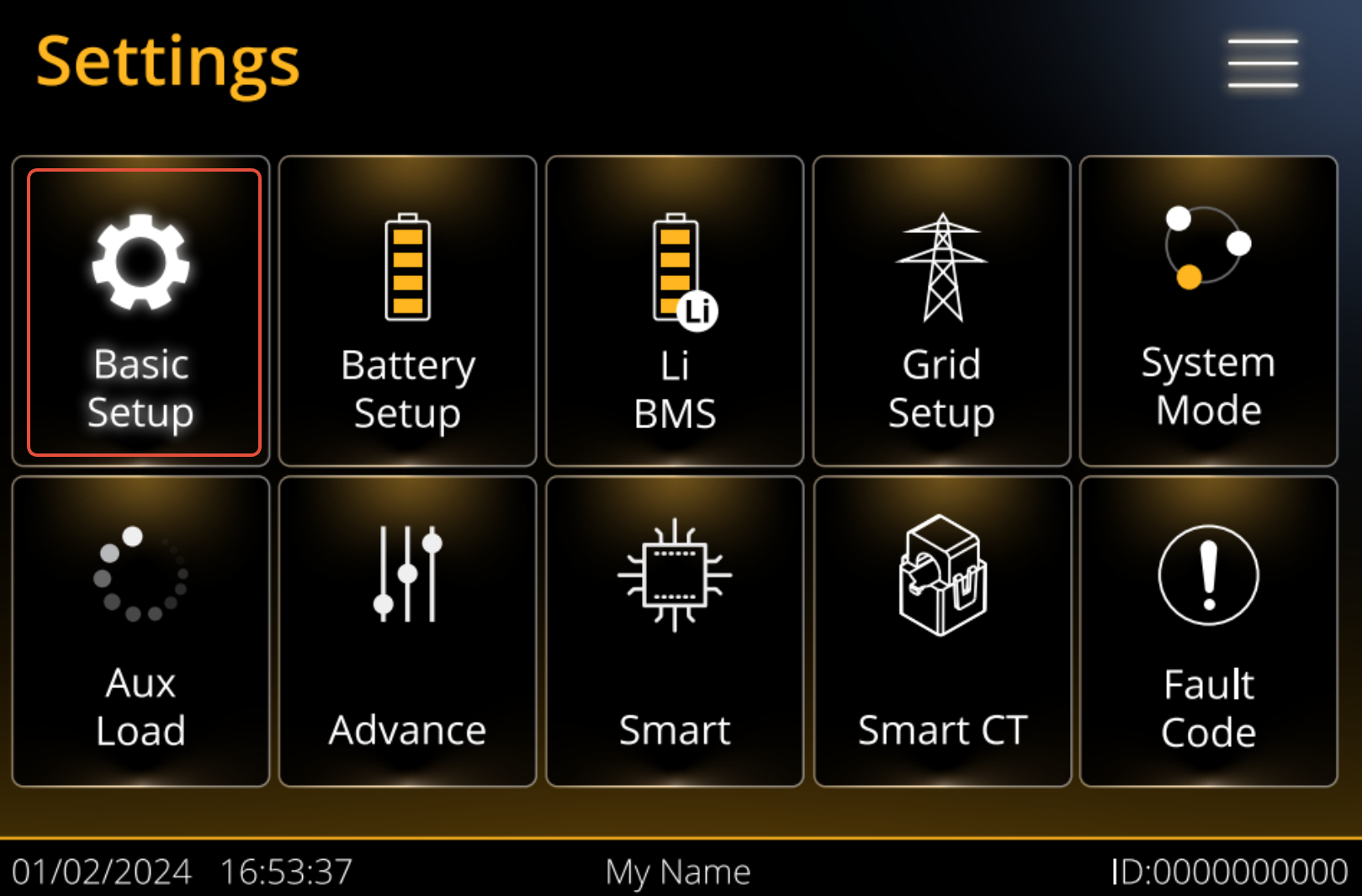
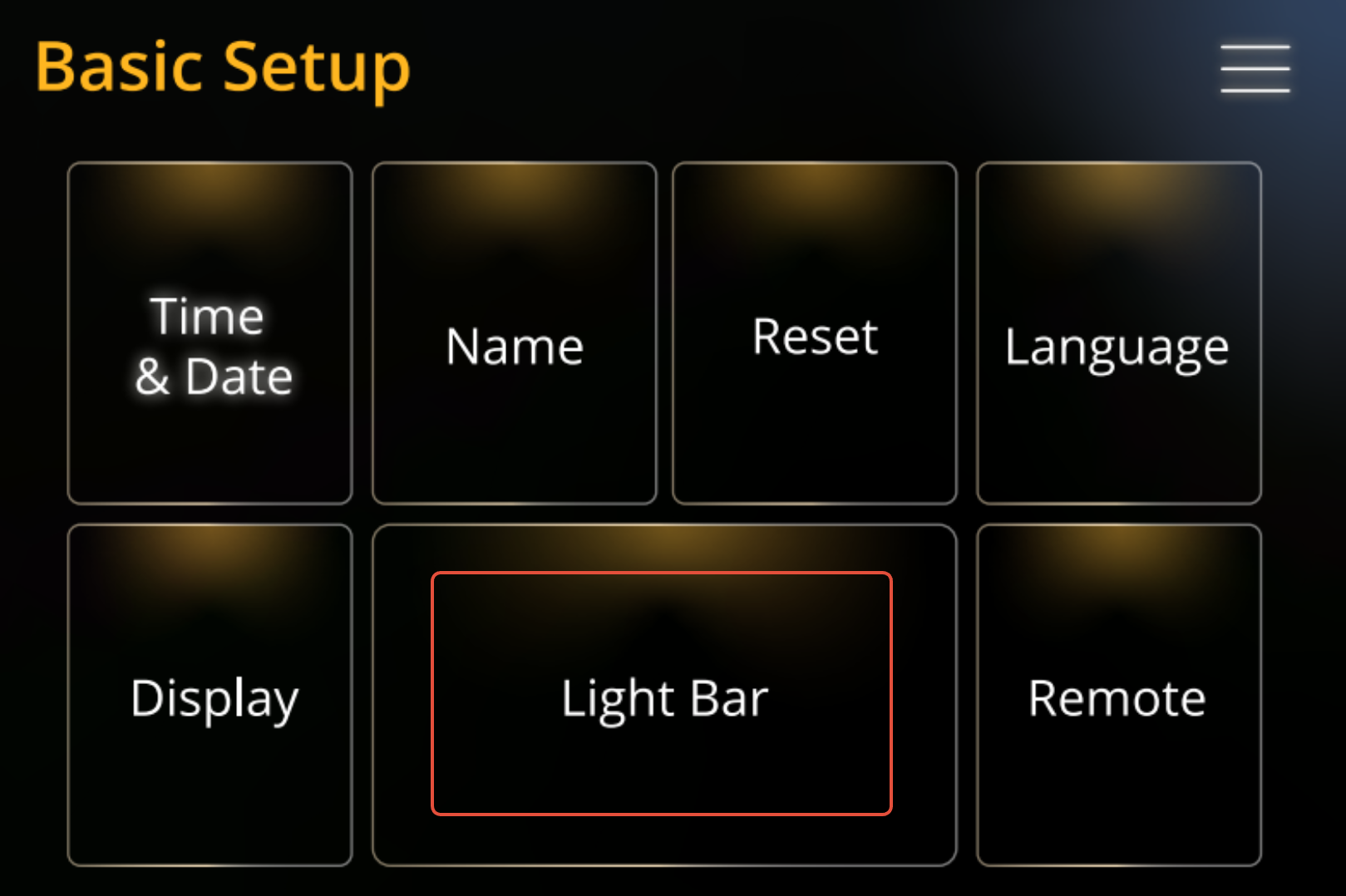
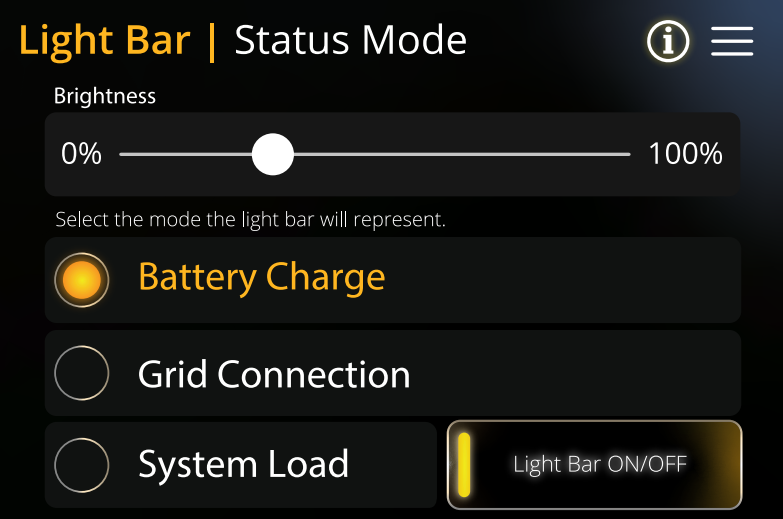
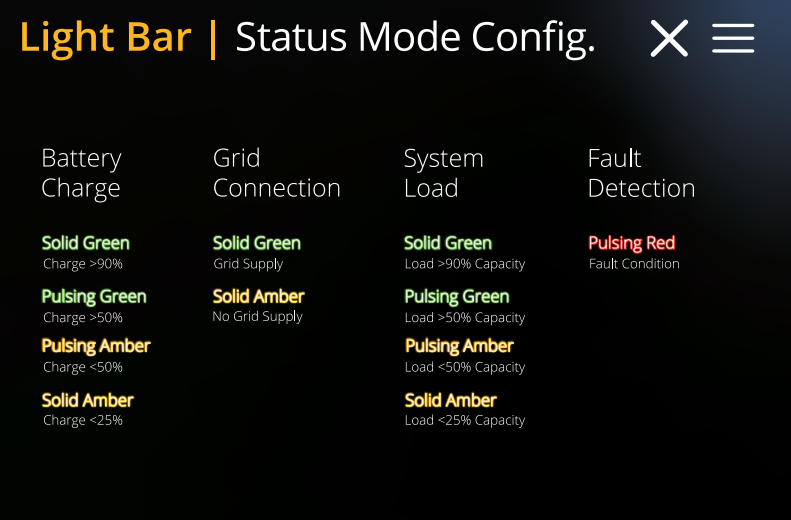
Following the instructions above you will access the Light bar page. Where settings can be changed so the light bar behaves diffrently. Below is a table of what each setting does and what the light bar modes reflect.
After selecting the mode select Enter on the inverters buttons then press OK on the please Verify screen. This will save the settings.
The screen below can be accessed on the inverter light bar | Status Mode screen by pressing the i in the top right corner.
Was this article helpful?
That’s Great!
Thank you for your feedback
Sorry! We couldn't be helpful
Thank you for your feedback
Feedback sent
We appreciate your effort and will try to fix the article