Update procedure for Lynks 6KW inverters
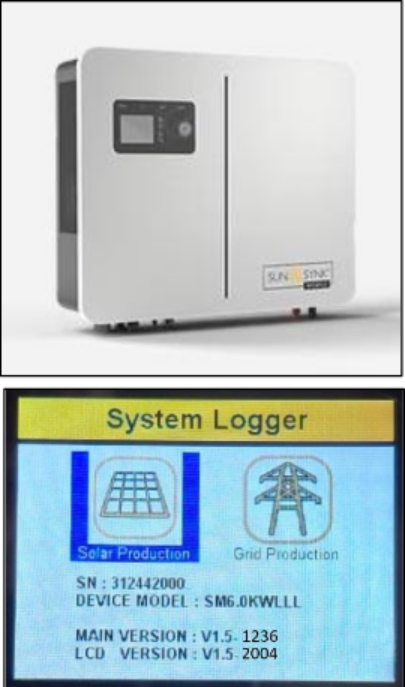
The Lynks 6KW inverters will need to be updated if they are still on their initial release firmware. You can view your inverter’s firmware version under the “System Logger” menu option. Main Version 1.5-1236 and LCD Version: V1.5-2004.
The initial firmware gets displayed in Sunsynk Connect as M 1.2.3.6 / S 0.0.0.0 / M 2.0.0.4.
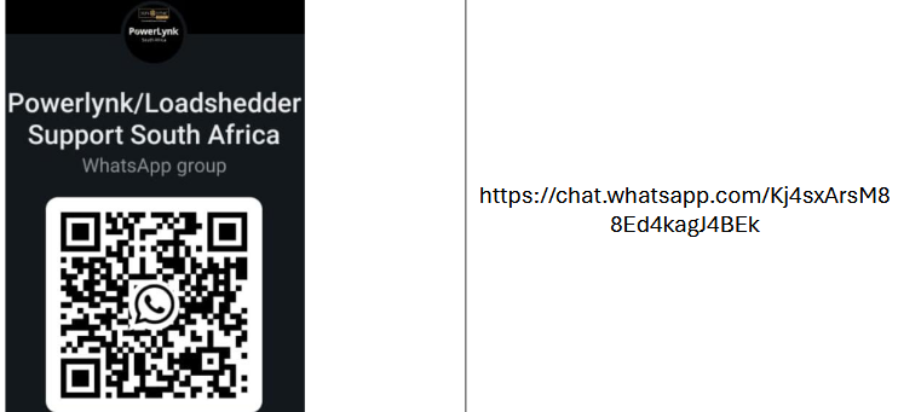
You can request a logger protocol change if required, and a firmware update either through our Helpdesk and call centre (0101003589 / +27101003589) or on the “Powerlynk South Africa” WhatsApp group. Scan the QR or follow the link below to join the group within WhatsApp.
Please install the Gateway/Data Logger you received with your Lynks inverter. Get it connected to the internet and ensure that there is connection as indicated by a solid green LED status.
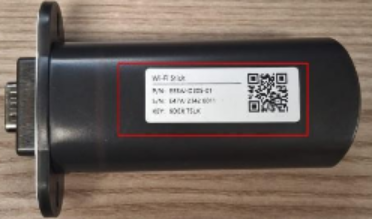
Request the firmware update by sending the Serial Number and/or picture of the Serial Number of the Gateway on the WhatsApp group, and state that you would like a firmware or protocol update.
You will be contacted on the progress of and procedure for the update as required.
If you already opened a service ticket on our helpdesk at https://sunsynk.freshdesk.com/ then you can still contact us on the
WhatsApp and quote the ticket number
Was this article helpful?
That’s Great!
Thank you for your feedback
Sorry! We couldn't be helpful
Thank you for your feedback
Feedback sent
We appreciate your effort and will try to fix the article